
Problem
Paper Wallet Recovery: Damaged, Scanned or Forgotten Passphrase
Paper wallets store keys as QR codes or printed text — often encrypted with BIP-38. Damaged prints, faded ink and forgotten BIP-38 passphrases are the common problems.
Short answer
A paper wallet is a physical private key, printed as WIF, hex or QR codes. Recovery means scanning or repairing the paper — faded prints can often be reconstructed from high-resolution images — and, if the key is BIP-38 encrypted, finding the passphrase.
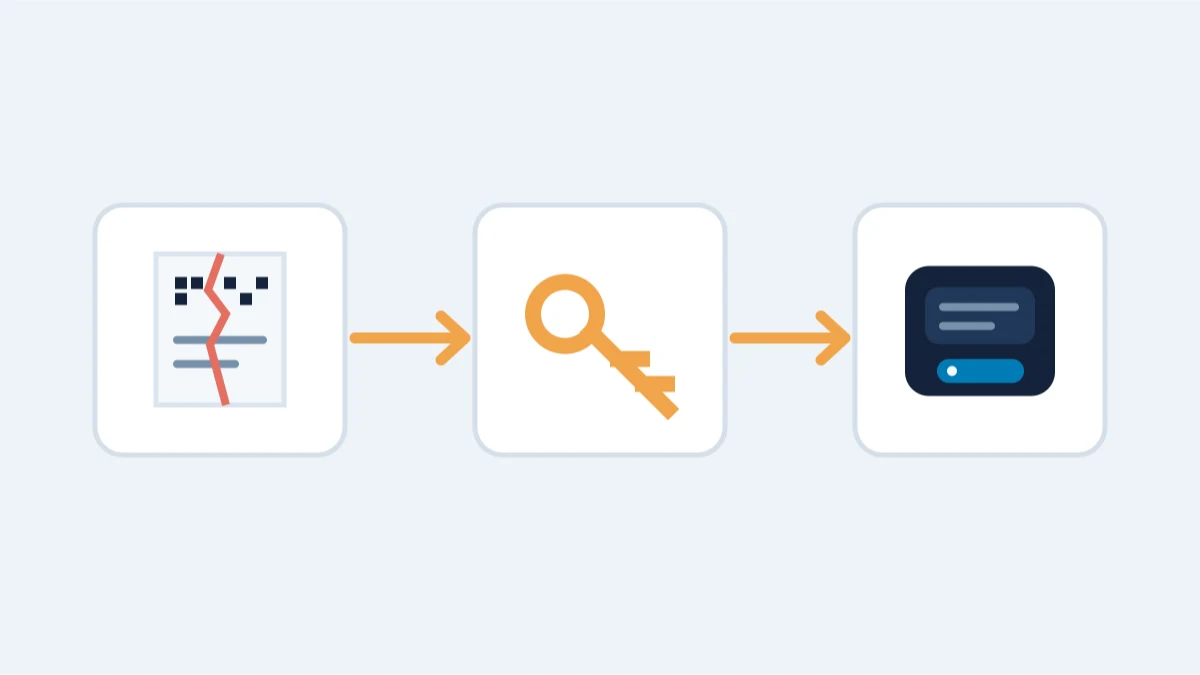
If yours is faded, torn, or the BIP-38 passphrase is gone, the two cases need different things: a plain key just needs a readable scan, while an encrypted one needs both the paper and the exact passphrase.
What you are actually dealing with
- Plain private key (WIF or hex): import it into wallet software by scanning the QR or typing the key. One wrong character changes the address completely.
- BIP-38 encrypted key: the key is encrypted with a passphrase (a "6P..." QR code). Both the paper and the exact passphrase are needed.
- Damaged paper: a scan-and-reconstruct problem, not necessarily a lost key - how much of the QR's built-in error correction survived is what decides it.
Try this yourself first
- Make high-resolution scans of the paper, front and back, before touching it.
- If the key is plain, import it into a trusted wallet offline and confirm the address matches the paper's printed address before moving anything.
- If it is BIP-38, try your likely passphrases: a wrong one simply fails to decrypt, which is safe to test.
When professional recovery is the right call
- A faded or damaged QR needs reconstruction from partial scans.
- A BIP-38 passphrase is forgotten: recovery requires case-specific assessment and means testing passphrase candidates against the printed key itself, locally and never through a website.
- The paper is a copy of a wallet whose original device no longer exists.
What is impossible
- No paper, no scan and no copy of the key: a private key cannot be reconstructed from its address.
Practical notes
- Never upload a paper-wallet image to a website that offers to "sweep" it.
- Store the physical paper and a high-resolution scan in separate places.
Reading a damaged QR
A faded or torn QR can sometimes be reconstructed. Take high-resolution scans from multiple angles before touching the paper, keep the original flat and dry, and keep the scans on an offline machine — the image is the key. The QR format contains error correction, so a partially damaged code can still decode if enough of it survives. If it does not, the surrounding printed characters or a BIP-38 structure may still reveal the key. Never re-type a damaged key by hand when a scan can be read more reliably.
BIP-38 in practice
A BIP-38 encrypted key starts with 6P and cannot be used without the exact passphrase. The encryption is deliberately slow, but testing likely passphrases against the printed key is safe and can be done locally. Remembered fragments, patterns, dates or a passphrase reused from that era can make a search more focused.
After you have access
A paper wallet was a one-time tool, not a place to store funds. Once the key is imported and verified, sweep the balance to a fresh wallet with a properly backed-up recovery phrase — paper or a metal backup, stored in two places. Then retire the paper wallet. Our storage guide explains the options and the trade-offs.