
Problem
Wallet on Phone: Recover Access After a Deleted App or Lost Device
Your crypto app was deleted, your phone was lost, or the wallet no longer opens. Your coins are still on the blockchain — what matters is what remains: the phrase, a backup, or the device itself.
Short answer
Recovery depends on the phrase, usable backups and any wallet data still on the phone. Keep the existing app and device intact: an accessible wallet may let you retrieve its recovery phrase or move funds. If access is blocked, the remaining data may still be worth assessing before any reset or reinstall.
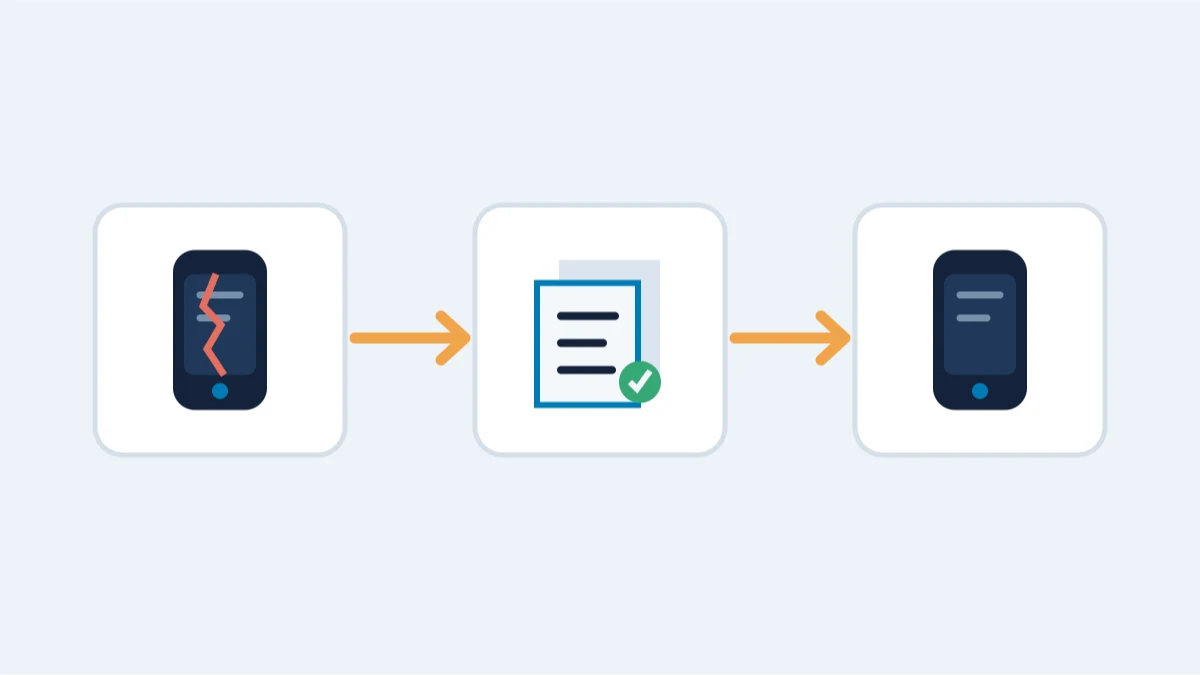
A crypto wallet on a phone is an app plus encrypted data on that device. Deleting the app, losing the phone, or a broken screen does not remove your coins from the blockchain. What it removes is your access. Whether access can be restored depends on the device, the wallet data still on it and any usable backups.
What remains decides the route
Match your situation to the one below — each depends on a different piece of material surviving.
You saved the recovery phrase
The app can be reinstalled on any compatible phone and restored from the phrase. This is safe to do yourself. Keep the phrase offline while doing it, and never enter it into an app you do not trust.
You have a cloud or local backup
Phones often back up app data. Restoring your phone or a new phone from an encrypted backup can bring the wallet data back. Do this carefully and offline where possible; a partial or old backup can still contain the encrypted vault that professional work can unlock.
The app is still installed but you forgot the password or PIN
Some mobile wallets encrypt their local vault with a password. Without it, the app data is locked: but the locked vault is still there, and password recovery on a copy of that data can be realistic if you remember something about the password. A hardware-backed wallet on a phone (secure element) is different: after repeated wrong PIN attempts the device may wipe itself, and without the phrase there may be nothing left to recover.
Only the device remains, with no backup
If the wallet data exists only in the phone's encrypted storage and no phrase or backup exists, recovery depends on whether the device data can be accessed — from an encrypted iOS or Android backup, from the device itself, or from a forensic copy. This is realistic only when the device itself is unlocked, an encrypted backup of it exists, or a forensic copy can be made before the data degrades.
What not to do
- Do not reset or format the phone before you know what was on it.
- Do not buy a new phone and create a new wallet: that does not restore the old one.
- Do not pay an "app recovery" service that promises to recover anything without first asking what remains.
- Do not enter your recovery phrase into a fake wallet app or a website that "checks" it.
When professional help is realistic
Professional work matters when the only material is the phone itself or a backup: extracting an encrypted vault from an iOS or Android backup, identifying the wallet app and format, and unlocking or restoring from a copy — never from the only original. If nothing remains but the device and no backup exists, we will tell you honestly what is and is not possible before you commit.